
Searching for Westernpips login, my westernpips or the Westernpips center? Sign in only on the official domain. Fake login pages that copy our look exist to steal your account, your license and your broker access.
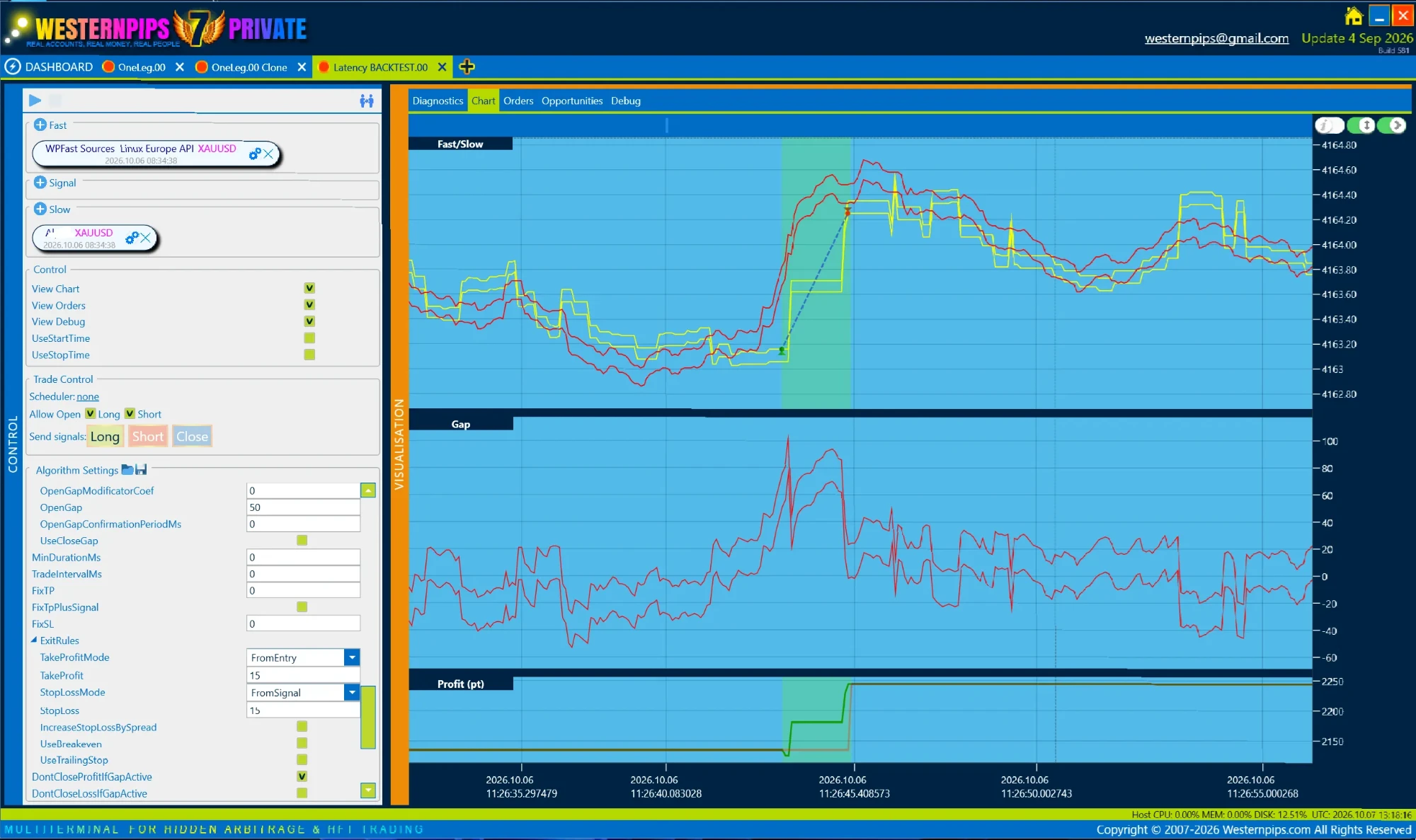 Genuine Westernpips Private 7 — the only real software
Log in to Westernpips only on the official domain, westernpips.com. “My westernpips” and the “Westernpips center” account area live under that domain. Any other “Westernpips login” page is a phishing copy built to steal your account, license and broker access. Type Westernpips Private 7 yourself before signing in.
Never enter your Westernpips login on a page you reached from an ad, forum or crack site. Type the official address yourself and check it before you sign in.
Pixel-perfect copies of our login on a slightly different domain, built only to capture what you type.
A “login” link in an ad, email, forum post or Telegram message is the classic phishing entry point.
Your email, password and 2FA code are forwarded to the attacker the instant you submit them.
With your login they reach your license, settings and any connected broker or API access.
Fake login pages are built to steal your account. Type the real address and check it first.
A recurring trick around cracked software is the fake “account” or “member panel” — a page that looks like a place to log in, download your build or check your licence, but exists only to capture what you type. Because people reuse the same email and password across brokers, exchanges and inboxes, one harvested login often unlocks far more than the attacker first asked for.
Phishing pages are cheap to build and easy to spread. A link in a Telegram channel, a forum post or a search ad leads to a near-perfect copy of a login screen on a look-alike domain — a swapped letter, an extra word, a different top-level domain. You enter your credentials, the page stores them and usually forwards you to the real site so nothing feels wrong. Minutes later someone else is signing in as you.
Protecting yourself is mostly habit. Type the address of any site where you log in rather than following a link; check the domain character by character; use a password manager, which refuses to autofill on the wrong domain and so doubles as a phishing detector; keep a unique password per service; and prefer app-based or hardware 2FA over SMS. If you suspect a page captured your details, change that password at once, revoke active sessions, and change it anywhere you reused it.
Westernpips Private 7 does not rely on scattered “account panels” posted by strangers. Licensing and downloads run through the official application and the single verified source described on the Private 7 page; a login screen reached from a forum or chat link is not it.